Know what your cat
is telling you
CatCare reads a photo or a short meow to guess how your cat feels, runs gentle eye, teeth, skin and litter checks, and keeps a care log you can show your vet. It is general guidance, not veterinary advice.
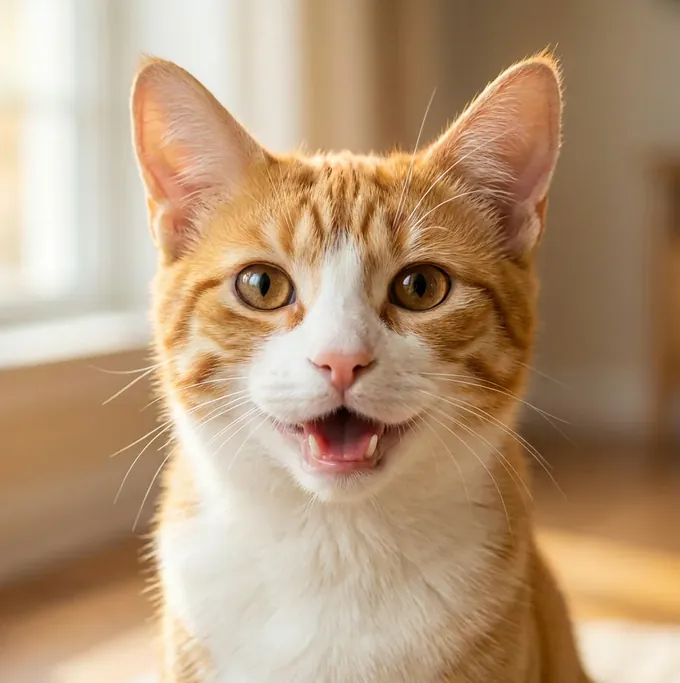
One photo, three small steps
Everything starts with a picture of your cat. Even a sleepy one is enough.
Take a photo
Get your cat’s face and body in the frame. You can add a line about what was happening, like “heard the treat bag” or “after the vet”, but the photo comes first.
Read the result
You get a mood read with a confidence level, how the ears, eyes, tail and posture were read, and a “how soon it matters” scale so you know what can wait.
Keep the story
Each translation lands in Story, a timeline of mood cards, memories and milestones for your cat that you can look back on, share, or save to your photos.
Looking after a cat, in one place
The photo read is the front door. Around it sit health checks, a care log, training and a story of your cat’s days.
Mood from one photo
Take a photo and get a plain-language read of how your cat seems to feel, with a confidence level and a look at the ears, eyes, tail and posture behind it.
A meow translator
Hold the phone near your cat for three to ten seconds and CatCare offers a light-hearted guess at what the meow meant. Tell it whether it got it right and it learns how your cat talks.
Health checks
Photograph your cat’s eyes, teeth, skin (ear, paw, belly) or litter and get observations back, saved to a history you can scroll through.
Is this normal?
Tell CatCare what your cat is doing and answer a few questions. You get a “how soon it matters” level, from fine to now, with what to do next.
Talk
An AI chat for everyday cat questions. Type, or dictate with your voice. It is guidance, and it says so: it does not replace a vet.
Care log & reminders
Log meals, water, litter, vomiting, weight and medicine. Set reminders for vaccines, check-ups, flea and worm treatment, nail trims and grooming.
A summary for the vet
A 30-day summary built only from your own dated entries, with room for the questions you want to ask. Ready to print and take along.
Breath count
Tap once for every breath over 30 seconds and CatCare doubles it to a rate per minute, shown against a usual range.
Story & share cards
Mood cards, memories and milestones gather in a timeline with monthly recaps. Turn a card into an image to share or save to your photos.
Learn
Training, short courses and articles for cat owners, on topics from first aid and nail trims to play and calm homes.
Widgets
Put today’s read, the day count and what is due on your Home Screen and, on iPhone, your Lock Screen, without opening the app.
A guide, not a vet
CatCare gives general cat behavior and wellness guidance. It is not a veterinary service and not a substitute for an examination, diagnosis or treatment. If your cat seems ill, hurt or distressed, call a licensed veterinarian or an emergency animal hospital, and do not wait on an app result.
Read the mood, hear the meow
Cats are good at not telling you things. A photo of the face and body, or a few seconds of sound, gives CatCare something to go on, and it shows its working instead of just handing you a verdict.
-
Ears, eyes, tail and posture The result shows how each part was read, plus a confidence level, so you can judge it yourself.
-
Add the story An optional note such as “just woke up” or “playtime” adds context. The face and body still come first.
-
Teach it how your cat talks After a meow, answer “Did I get it right?” Every answer teaches the app how your cat talks, because no two cats meow the same way.
-
A guess, not a diagnosis A meow read is a fun guess. A sudden change in your cat’s voice, or loud crying at night, is worth a call to your vet.
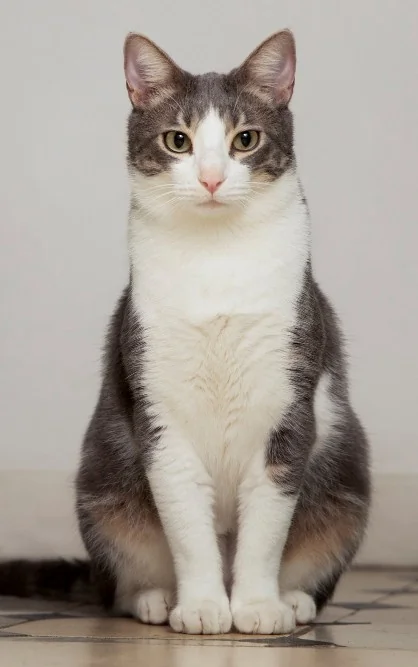
Look closer, then decide
Some things are easier to spot with a photo than with a worried glance across the room. CatCare gives you a structured look and tells you how soon it matters, so you know what can wait and what cannot.
-
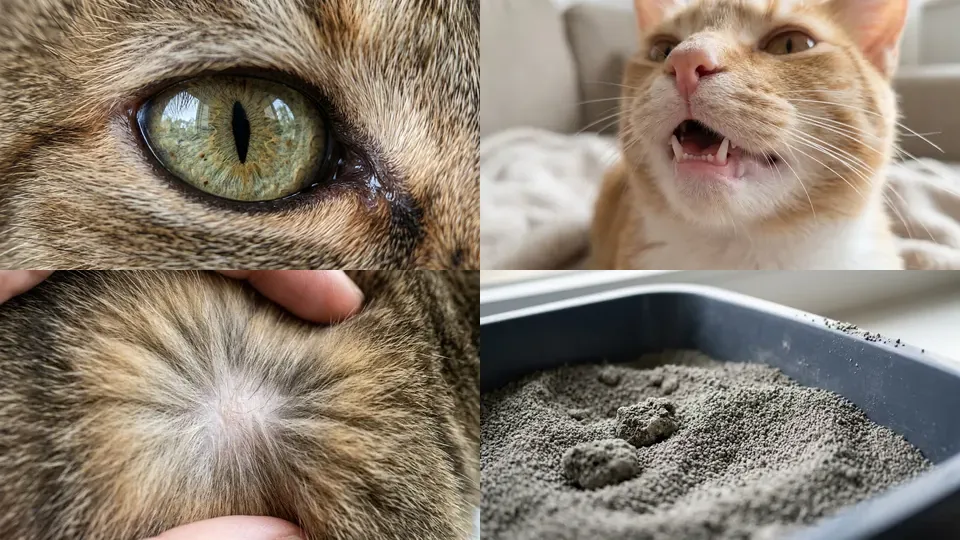
Eyes, teeth, skin and litter Four checks you can run any time. Skin covers the ear, paw and belly.
-
How soon it matters Results sit on a four-step scale: fine, watch, today or now.
-
Saved to a history Every scan is kept with your cat’s profile, so you can compare this week with last month.
-
Said once, up front Before your first scan CatCare asks you to confirm that it gives general wellness guidance only and is not a substitute for professional veterinary care.
Keep the record, hand it to the vet
At the clinic nobody remembers when the last dose was or how much water the cat has been drinking. A care log does, and the vet summary turns it into one page.
-
Log in a tap Meals, water, litter, vomiting, weight and medicine, each with a few quick choices and an optional note or photo.
-
Reminders that repeat Vaccines, check-ups, flea and worm, medicine, nail trims and grooming, repeating daily, weekly, monthly or yearly.
-
A 30-day vet summary Built only from your own entries, with space for up to three questions to ask. It gives no dose advice.
-
A profile for each cat Add your cats, switch between them, and keep each one’s log, scans and story separate.
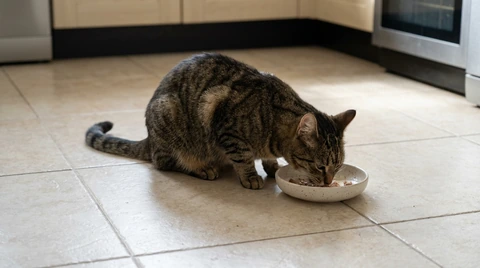
What CatCare looks at
The photos and artwork the app uses for its mood read, health checks and lessons.
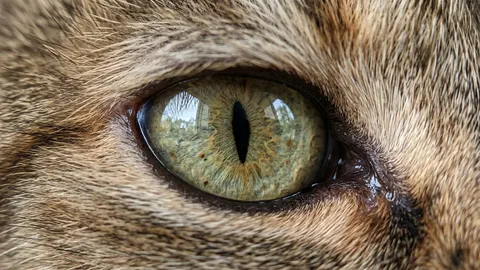
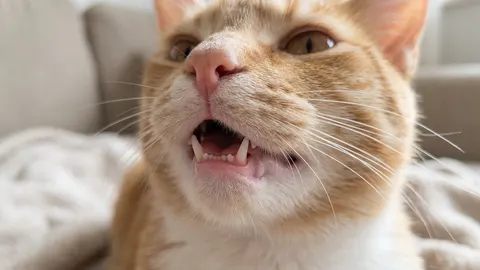
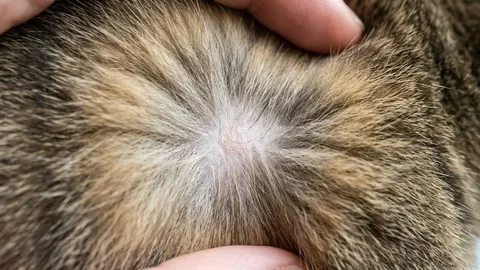

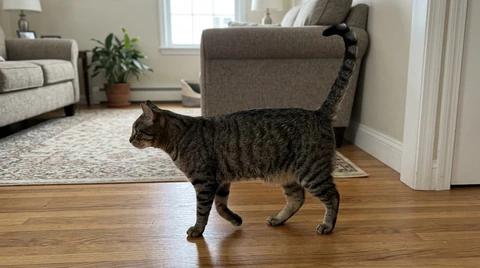
These are photos and artwork from inside CatCare, not screenshots of a result. What the app shows you depends on your own cat and the photos you take.
What you get with CatCare
CatCare is free to download, and a subscription unlocks the app. Plans are weekly or yearly. Where your store offers an introductory free trial, the purchase screen shows it before you commit.
Start with the appPrice, any free trial and renewal terms are set by the App Store or Google Play and are shown on the purchase screen in your region before you buy. A subscription renews automatically unless you cancel before the renewal date, and you can cancel any time from your store subscription settings.
-
AI health scans Eyes, teeth, skin and litter, with the results saved to history.
-
Mood & behavior, decoded The photo mood read and the meow translator.
-
Talk, the AI cat chat Ask everyday cat questions any time of day.
-
Care log & vet summary Entries, reminders and the 30-day summary for your vet.
-
Profiles, Story & widgets Your cats, their timeline, and Home Screen widgets.
Questions, answered
The things people ask before they download.
Start with one photo
Take a picture of your cat, even a sleepy one, and see what CatCare makes of it. Free to download.